Play online or print. Make a night of it. Try a free game

Games to play on Microsoft Teams.

For a team meeting, stand-up or remote social on Teams: games that run in the browser alongside the call, with no Teams app to install.

  1. Pick a game

  2. Send the link (guests join free, no download or sign-up)

  3. Play on your own phones

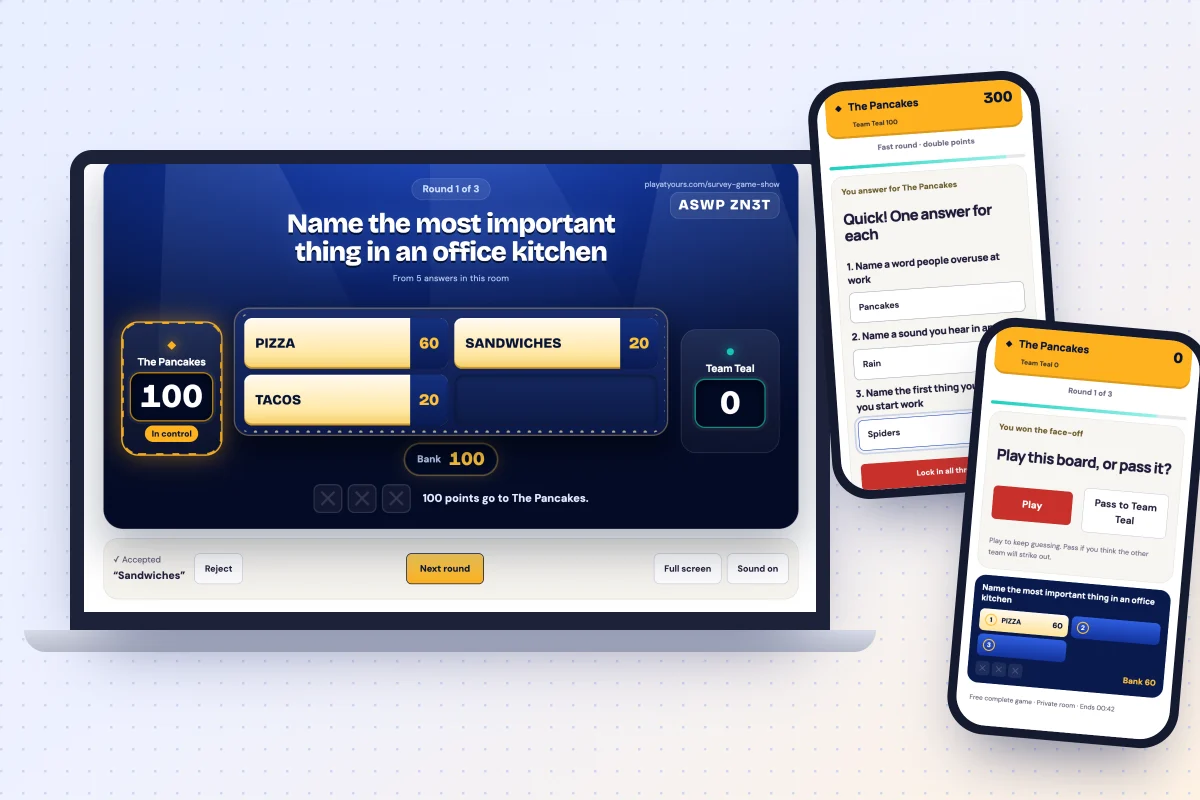
An At Yours Top Answers board shared from a laptop, with two coworkers’ phones answering the fast round and choosing to play or pass

One host’s Plus covers everyone: rooms up to 24 for Top Answers and bingo, longer games, no per‑person fees. US$4.99/month or US$29/year for the host. Guests join free, with no account or app.

See At Yours Plus

In short

Microsoft’s own Games for Work app for Teams is no longer available: Microsoft added a note to its launch post on 24 May 2024 saying so. The simplest way to play now is a browser game alongside the meeting. For a board game such as Top Answers, the host shares that browser window and everyone answers on their phone; for room games such as Who Said That?, everyone opens the link on their own phone and Teams carries the voices. Every game starts free, and one host’s At Yours Plus covers up to 24 people.

How to run a game alongside a Teams meeting

Two ways to play, depending on the game. Neither needs a Teams app or anything from IT.

Share a board

For Top Answers and trivia in TV mode.

  1. Open the game in a browser window and create the room.
  2. In the meeting controls, select Share and choose that window. Turn on Include sound if you want the game’s sounds.
  3. Paste the room link into the meeting chat. Everyone answers on their phone; trivia teams can simply answer aloud.
Everyone on their own phone

For Who Said That?, Would You Rather, Draw & Guess and the other room games.

  1. Start a private room in your browser.
  2. Paste the link into the meeting chat.
  3. Everyone joins with a nickname on their phone or in another browser tab. Nobody shares a screen, and Teams carries the voices.

Five minutes: a quick opener

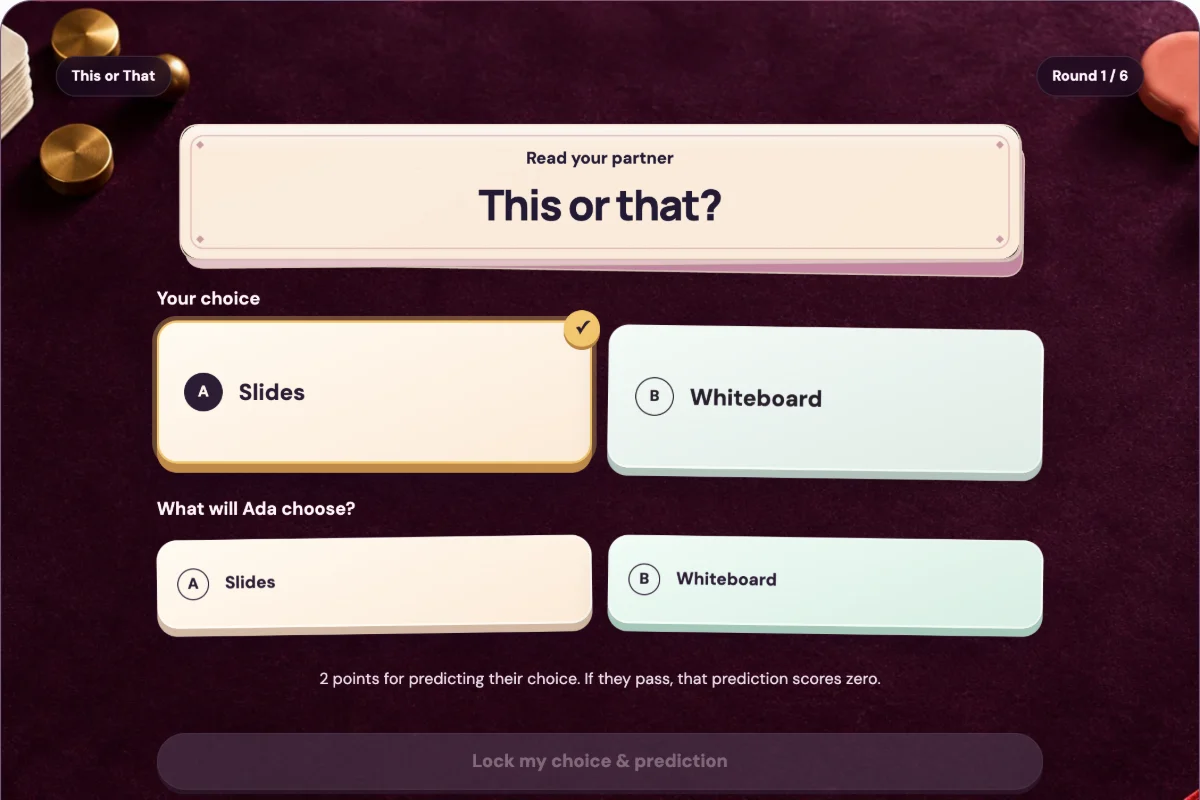
One or two rounds at the start of a Teams meeting. Everyone picks on their phone and the room reveals together.

Play online

This or That: work

Two options, one quick pick: early start or late finish, call or message. Everyone picks on their phone, then the room reveals.

  • 2–8 per room
  • About 5 min for a round or two
Work questions to read aloud

Free: 6 complete roundsAt Yours Plus: 12 or 24 rounds and every deck to print

Play online

Would You Rather: work

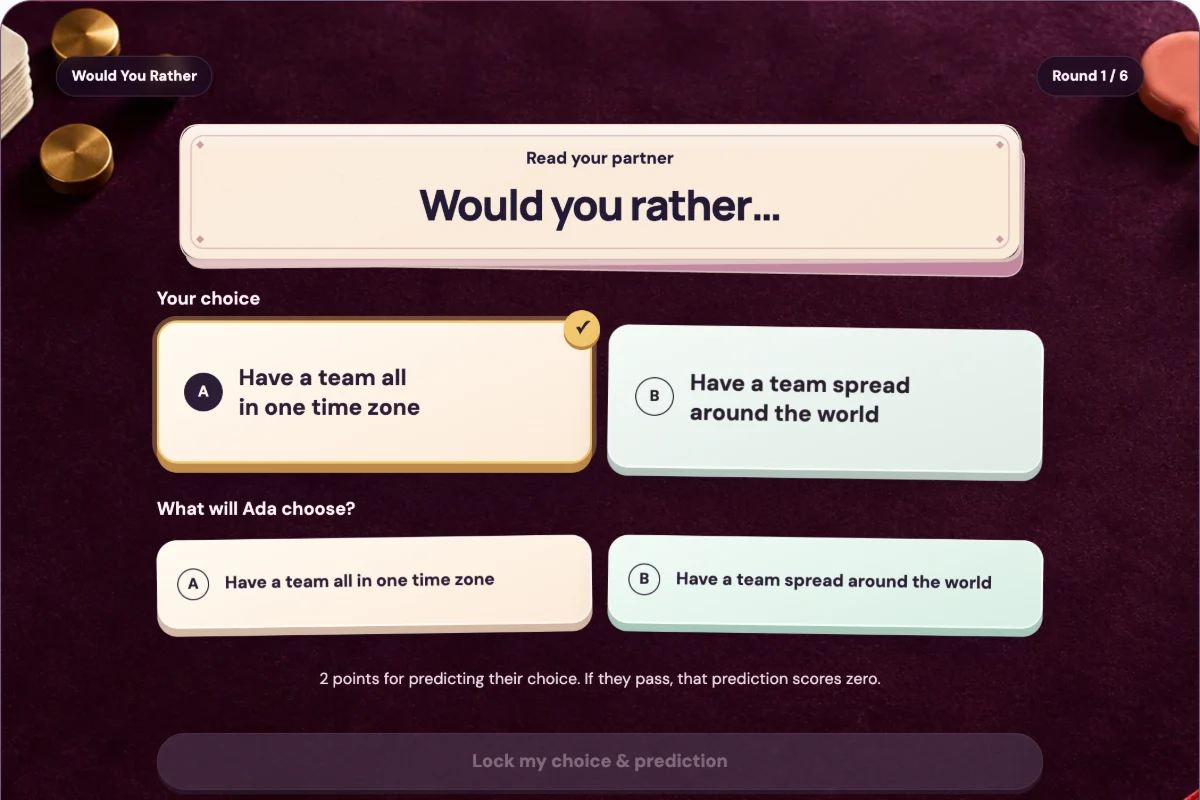
Pick a side in secret, predict a coworker’s choice, then reveal together. Questions written for work.

  • 2–8 per room
  • About 5 min for a round or two

Free: 6 complete roundsAt Yours Plus: 12 or 24 rounds and every deck to print

Fifteen minutes: one proper game

Long enough for a full free game. Send the link before the meeting so people are ready when you start.

Play online

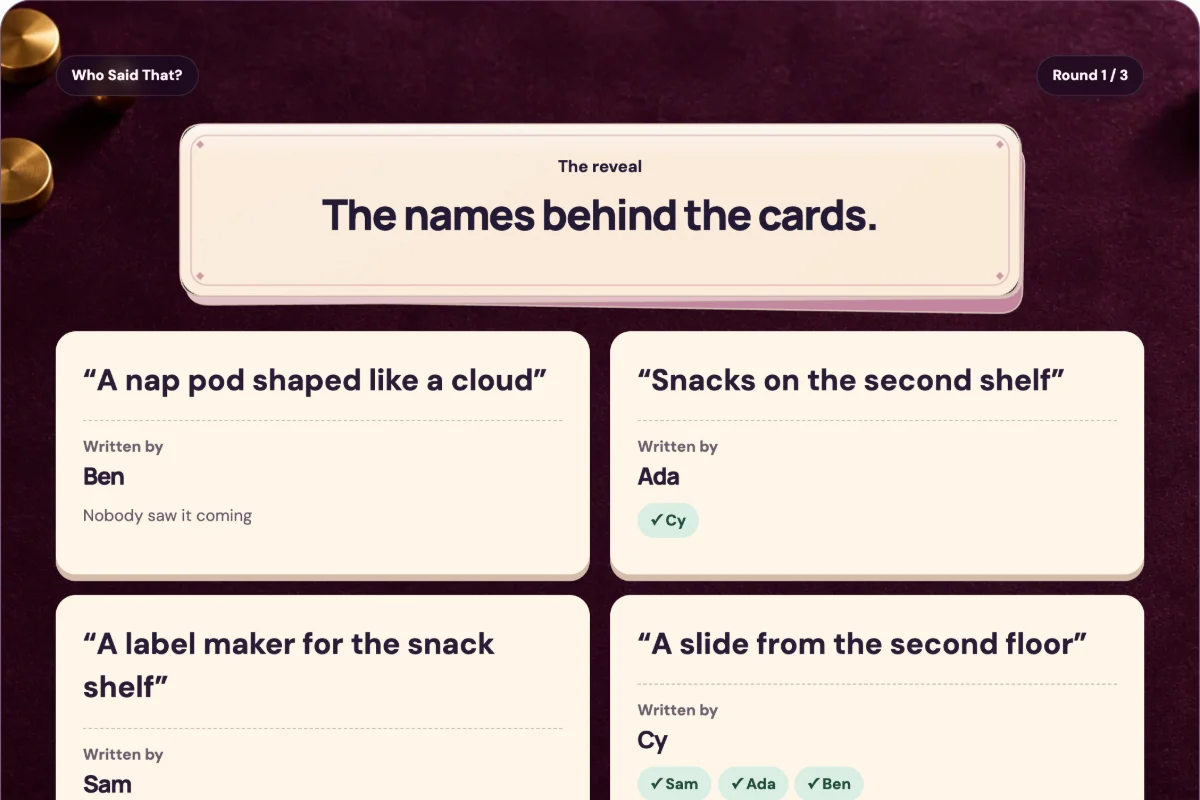
Who Said That? Office deck

Everyone answers a light, work-safe prompt on their phone. Guess who wrote each anonymous answer, then flip the cards together.

  • 3–8 per room
  • About 10–20 min

Free: 3 write-and-guess roundsAt Yours Plus: 6 or 9 rounds and 90 more prompts

Play online

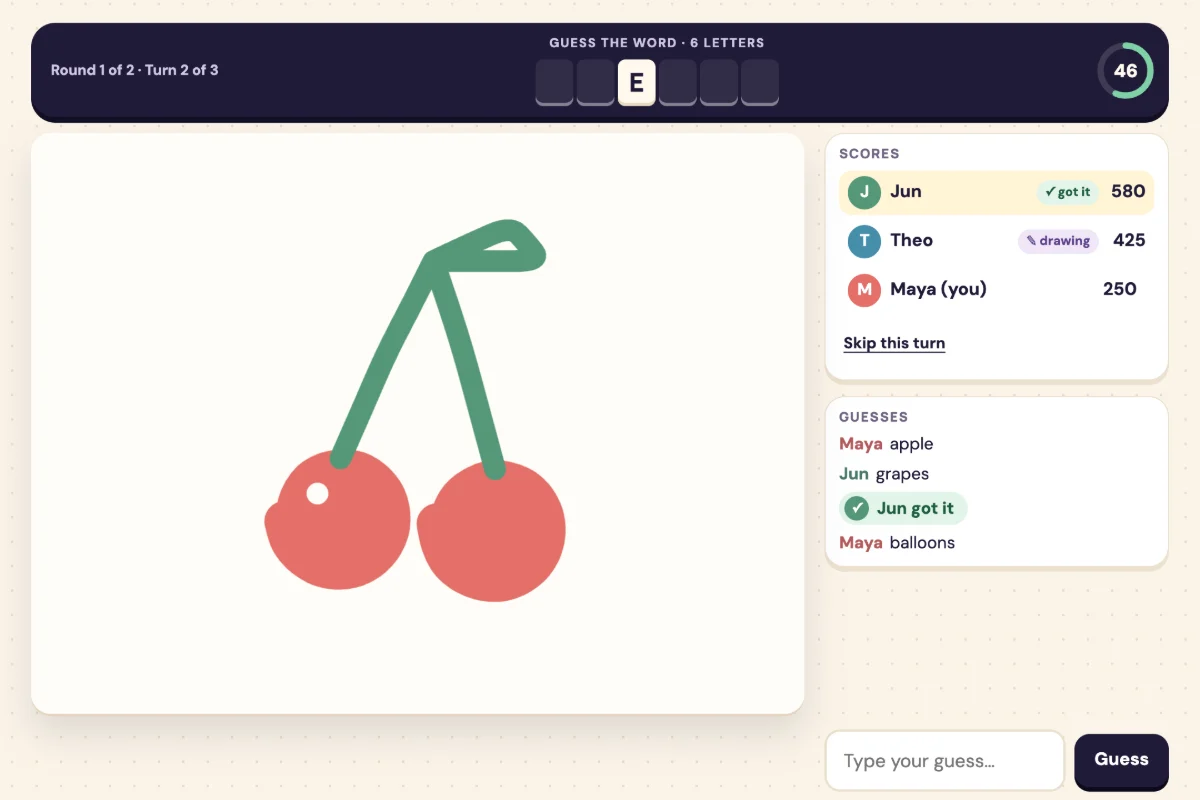
Draw & Guess

One person draws a secret word live while everyone else races to type it. Everyone takes a turn, and stick figures are welcome.

  • 3–10 per room
  • About 10–30 min

Free: A complete 2-round gameAt Yours Plus: More rounds and seasonal word packs

Thirty minutes: a team game show

A social or end-of-week slot. Share the board for Top Answers or a trivia round; the free game holds 8 players and the host’s At Yours Plus 24.

Play online

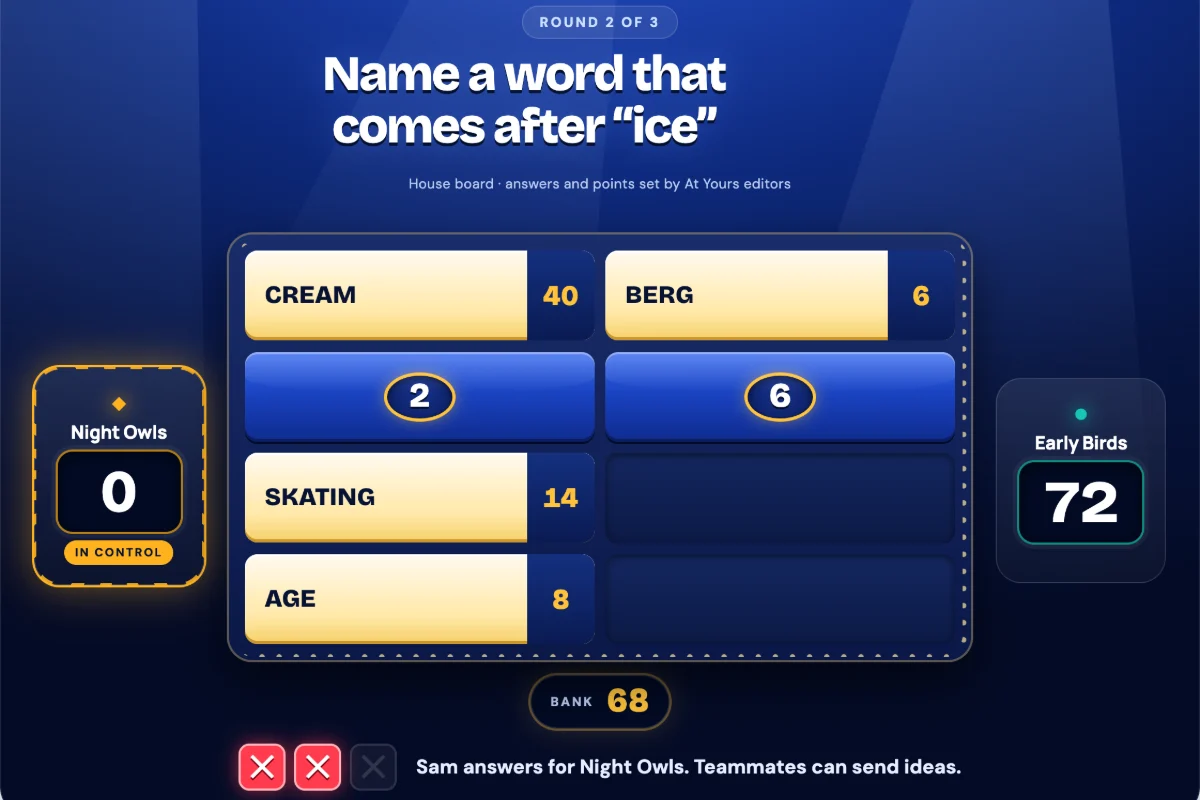
Top Answers: a survey game show

Everyone answers a quick survey on their phone, then two teams buzz in to find what the room said most. Share the board on the call.

  • Up to 8 free, 24 with Plus
  • About 20 min

Free: 3 boards for up to 8 playersAt Yours Plus: Up to 24 players and every pack

Play online

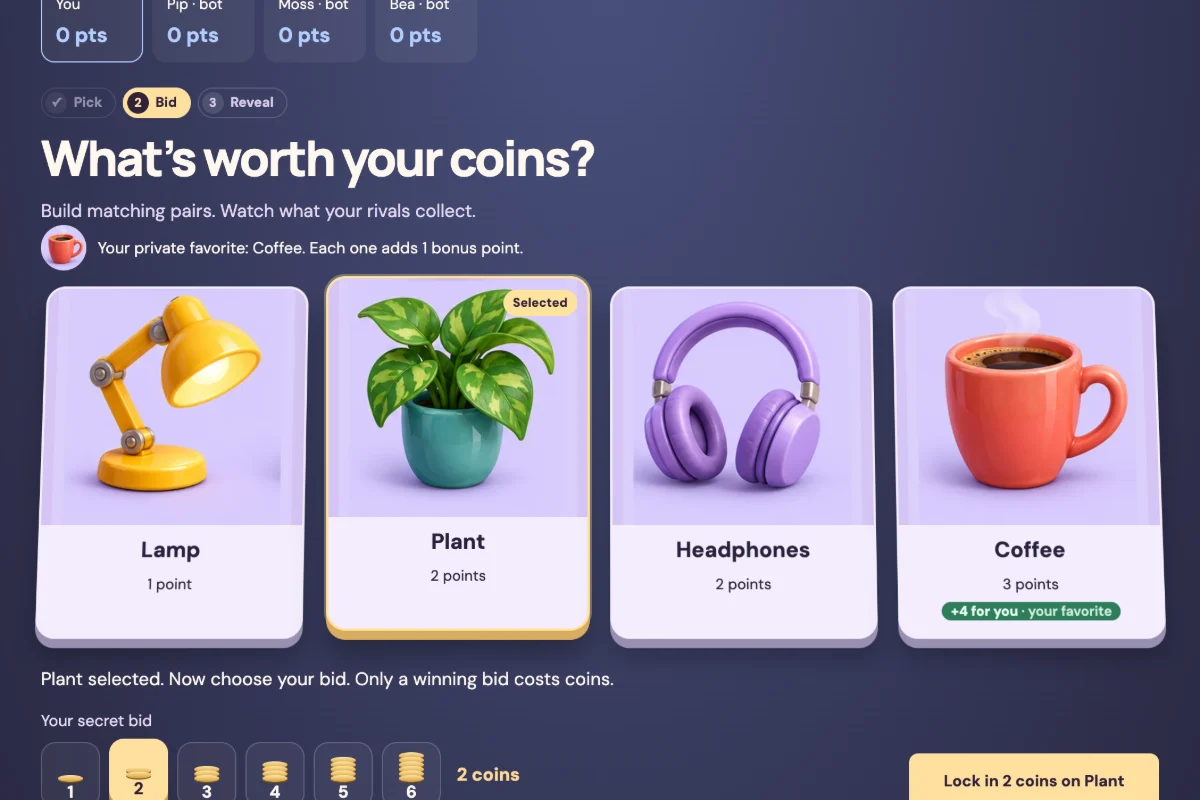
Gather & Grab: Desk Dash

Secret bids for desk lamps, plants and coffee. Outbid coworkers, grab the bargains and build the best desk.

  • 2–8 per room
  • About 10–20 min

Free: 4 complete roundsAt Yours Plus: 9 rounds, bargain markets and windfalls

No-tech options

Read the steps aloud and start. Use the meeting chat for answers and votes.

  • No materials

    One-word check-in

    • Any group
    • About 2 min

    Everyone sums up their week in one word, out loud or in the meeting chat. No explanation needed; follow-up questions are welcome.

  • No materials

    Two truths and a lie

    • Up to about 12
    • 1–2 min each

    Each person says three short things: two true, one made up. Everyone guesses the lie in the chat before the reveal.

  • No materials

    Desk show and tell

    • Cameras optional
    • About 5 min

    Give a prompt (the oldest thing on your desk, the most useful mug) and a minute to find it. Show it on camera or describe it.

  • No materials

    Desert island

    • Groups of 3–8
    • About 5 min

    Everyone names three things they’d take to a desert island. Vote in the chat for the most useful kit and the most creative.

What happened to Games for Work?

What’s current, as of October 2026.

Microsoft launched Games for Work in November 2022: a pilot Teams app with Solitaire, Minesweeper, Wordament and IceBreakers for meetings. On 24 May 2024 Microsoft updated its launch post to say “The Games for Work pilot app for Teams is no longer available.” Some older lists still recommend it.

Microsoft’s note says other social apps remain in the Teams app store. Your organisation’s Teams admin decides which apps people can add, and can allow or block third-party apps. At Yours isn’t a Teams app: it’s a web link, so there is nothing to add or approve in Teams.

Sources, checked as of October 2026: Microsoft’s Games for Work post and its 24 May 2024 update, Share content in Teams meetings, Manage apps in the Teams admin center.

Kahoot!, Microsoft Teams and Zoom are trademarks of their owners; At Yours is not affiliated.

Free to start. One host covers the team.

Every game here starts free, with no account for anyone. At Yours Plus, at US$4.99/month or US$29/year for the host, opens the longer games, more word packs and prompts, and Top Answers rooms for 24. No per‑person fees. Guests never pay.

See At Yours Plus

Games on Teams: your questions

Does Microsoft Teams have built-in games?

Not any more. Microsoft’s Games for Work pilot app, with Solitaire, Minesweeper, Wordament and IceBreakers, is no longer available: Microsoft added a note saying so to its launch post on 24 May 2024. Other apps in the Teams app store depend on what your organisation’s admin allows. Browser games such as Top Answers or Who Said That? need no Teams app at all.

How do you play a game on a Teams call?

Open the game in your web browser. Either share that window (select Share in the meeting controls, then choose the window) or paste the room link into the meeting chat so everyone plays on their own phone. Teams keeps carrying the voices.

What’s a good five-minute game for a Teams meeting?

One or two rounds of This or That or Would You Rather: two options, everyone picks on their phone, and the room reveals together. With no tech at all, a one-word check-in takes about two minutes.

Do coworkers need an account or an app?

No. They open the link in a web browser on a phone or computer and type a nickname. Only the host needs At Yours Plus, for the longer games and bigger rooms.

How many people can play?

Room games hold 2–10 people, depending on the game. Top Answers takes up to 8 players free and 24 with the host’s At Yours Plus. For a bigger meeting, split into breakout rooms with a host each, or play trivia on the shared screen with teams answering aloud.

Is At Yours connected to Microsoft?

No. Microsoft Teams is a trademark of its owner; At Yours is not affiliated with or endorsed by Microsoft.